Check-in at the desk, a headcount for the floor
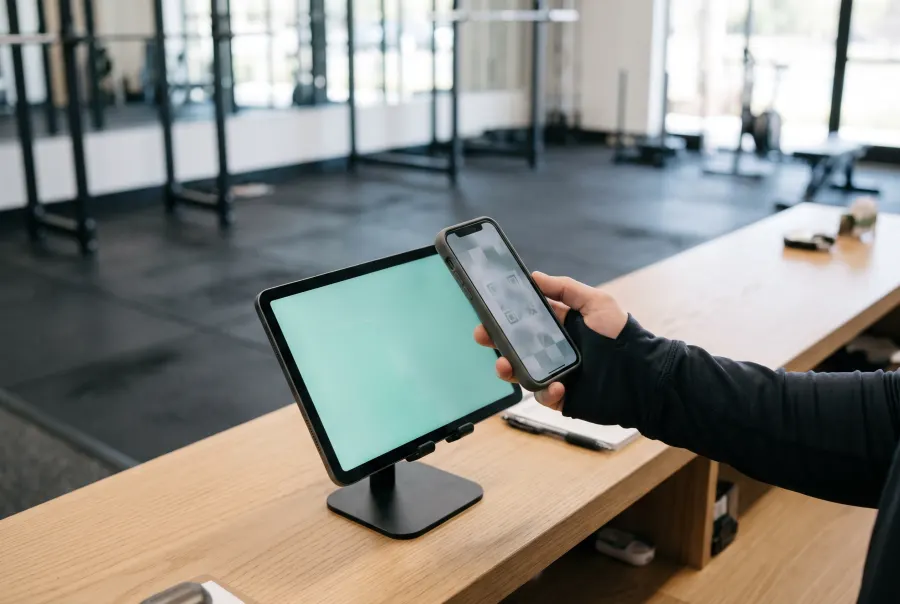
A tablet on your front desk runs the kiosk. Members scan the code in their phone or on a key tag, or type their number. Your staff see each arrival, any plan that needs attention, and how many people are inside against your posted occupant load.
Demo with a fictional gym. Try (305) 555-0142 for an active member and (305) 555-0190 for a paused one. "Simulate a 6 PM rush" fills the room to show the capacity warnings.
What the desk gets
Three ways in
QR code on a phone or key tag, phone number on the keypad, or a guest sign-in with a signature on your waiver.
Flags, not lockouts
Paused, expired or out-of-classes plans show on the staff side. The member is asked to see the desk; your staff decide.
Live headcount
Check-ins add, a door counter or camera line count subtracts people leaving. Warnings at 85% and 100% of the number you set.
Entries without a check-in
With a door counter connected, GymCams compares people through the door with check-ins, so you can see when people walk in behind someone.
Visit history
Every member's last four weeks at a glance, for retention calls and for "when did I last come in?"
Works beside your billing
Keep your membership and payments software. Import members from a CSV export; GymCams doesn't take payments.
What you need
- A tablet with a front camera on a stand at the desk. An iPad or Android tablet you already own is fine.
- Your member list as a CSV from your current software.
- Your posted occupant load, from the sign your fire marshal approved.
- Optional: a door counter or cameras with line counting, for the people who leave.
Good to know: the kiosk reads QR codes. It does not recognize faces, and never will.
The demo runs entirely in your browser. In the pilot, the kiosk is an installable web app that keeps working through a Wi-Fi drop and syncs when it's back. Full status list
Put it on your front desk
We set up the kiosk with your members and your capacity number during the pilot.